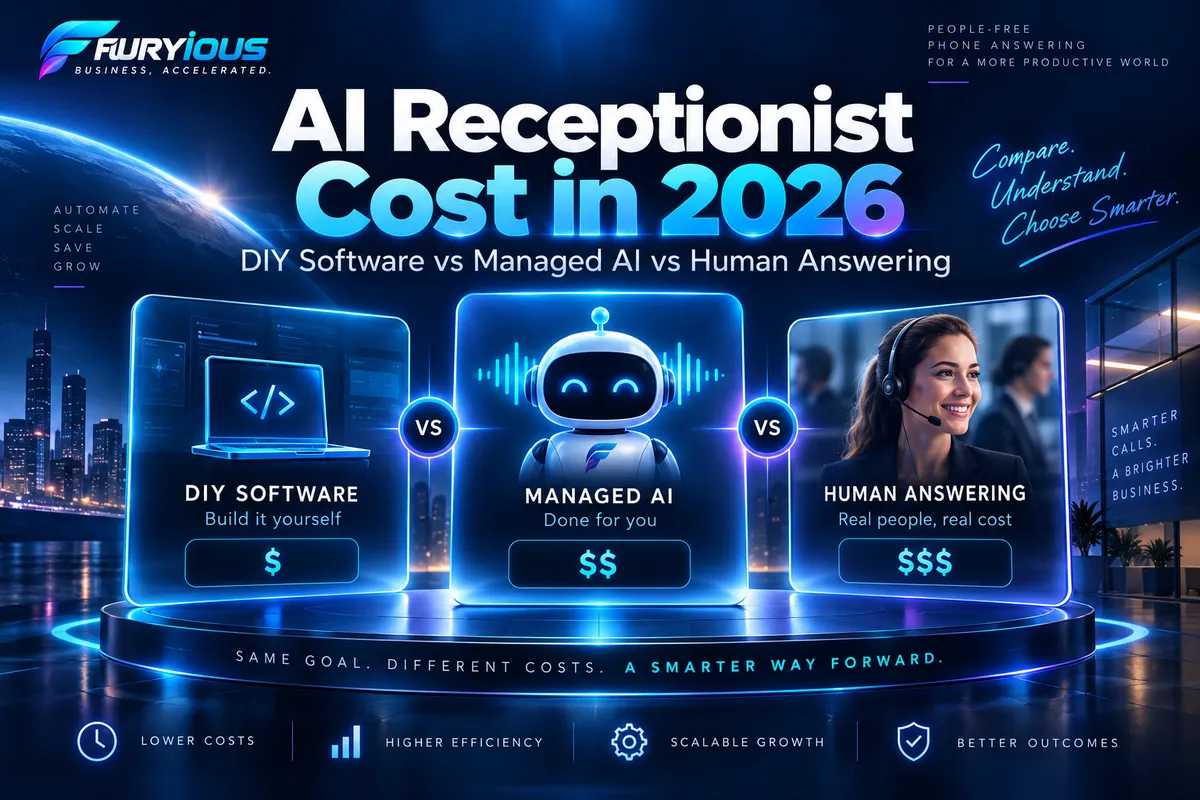
AI Receptionist Cost in 2026: DIY vs Managed AI vs Human Answering
Pricing verified September 2026. Provider pricing and plan terms can change.
Quick Answer
AI receptionist pricing varies because “AI receptionist” can mean very different things.
At the low end, businesses can buy AI voice software and configure it themselves. HighLevel currently lists AI Employee Growth at $50/month per enabled location and Unlimited at $97/month, with Phone System charges billed separately.
Managed AI services cost more because they may include setup, custom configuration, integrations, testing, and ongoing optimization. Smith.ai, for example, currently lists a $150/month Pro AI plan and a $500/month Enterprise starting tier with more hands-on implementation.
Human answering services generally cost more because labor is the core service. Smith.ai currently lists human receptionist plans ranging from $300/month for 30 calls to $2,100/month for 300 calls.
The better question is not simply:
What does an AI receptionist cost?
It is:
What am I actually buying, and who is responsible for making it work?
What Are You Actually Paying For?
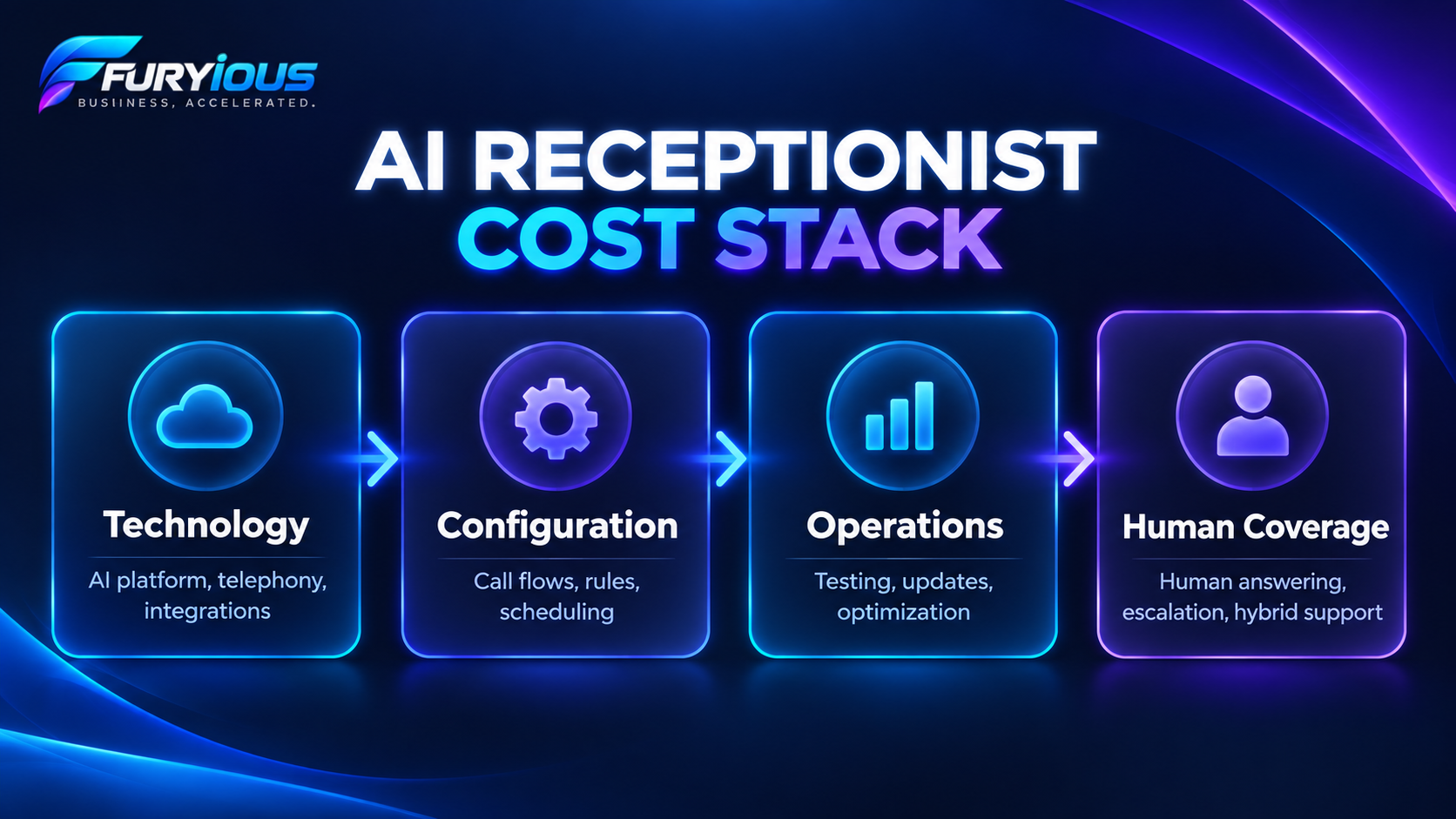
A practical way to compare AI receptionist options is to think about four layers.
1. Technology
This includes things like:
AI platform access
call minutes
telephony
integrations
HighLevel is a useful example. Its Unlimited AI Employee plan is currently $97/month per enabled location, but Phone System charges remain separate.
So the advertised AI subscription is not always the total phone-system cost.
2. Configuration
Someone still has to teach the system how the business works.
That can include:
which calls the AI should handle
what information it can provide
how appointments should be booked
when calls should transfer
what happens if nobody answers
when the AI should escalate
which CRM, calendar, or phone system is involved
At Furyious, our Voice AI onboarding process collects those kinds of business-specific requirements before configuration begins.
3. Operations
Once the system is live, somebody still needs to think about:
testing
troubleshooting
updating business information
maintaining integrations
reviewing failures
improving the system over time
4. Human Coverage
Businesses should also compare AI against the human alternative.
That could mean:
an in-house receptionist
a human answering service
a hybrid setup where AI handles routine work and humans handle exceptions
The U.S. Bureau of Labor Statistics reports a median receptionist wage of $18.27 per hour, or $38,010 annually, as of May 2025.
Furyious Insight: The subscription price is only one layer of the cost. The real question is how much of the configuration, testing, maintenance, and operating responsibility remains with you.
DIY AI vs Managed AI vs Human Answering
The easiest way to compare these options is to ask who owns the work.
DIY AI
With a DIY setup, you primarily buy the software and take responsibility for implementation yourself.
That may include configuration, call flows, calendars, transfers, integrations, testing, and future updates.
DIY can make a lot of sense when the call flow is simple and someone internally is comfortable owning the technical work.
As of September 2026, HighLevel lists AI Employee Growth at $50/month and Unlimited at $97/month per enabled location.
Managed AI
Managed AI costs more because the provider takes responsibility for more than software access.
That may include:
implementation
custom configuration
integrations
testing
optimization
ongoing support
Smith.ai currently lists its AI Pro plan at $150/month, while Enterprise starts at $500/month and adds more hands-on implementation and optimization.
The point is not that one price is better.
The services transfer different amounts of responsibility from the customer to the provider.
Human or Hybrid Coverage
Human answering can be a better fit when conversations regularly require judgment, reassurance, or unpredictable handling.
The decision also does not have to be AI or human.
For some businesses:
AI handles repetitive, structured calls → humans handle exceptions and higher-risk situations.
That hybrid model can be the better design.
What Does Managed Implementation Actually Include?
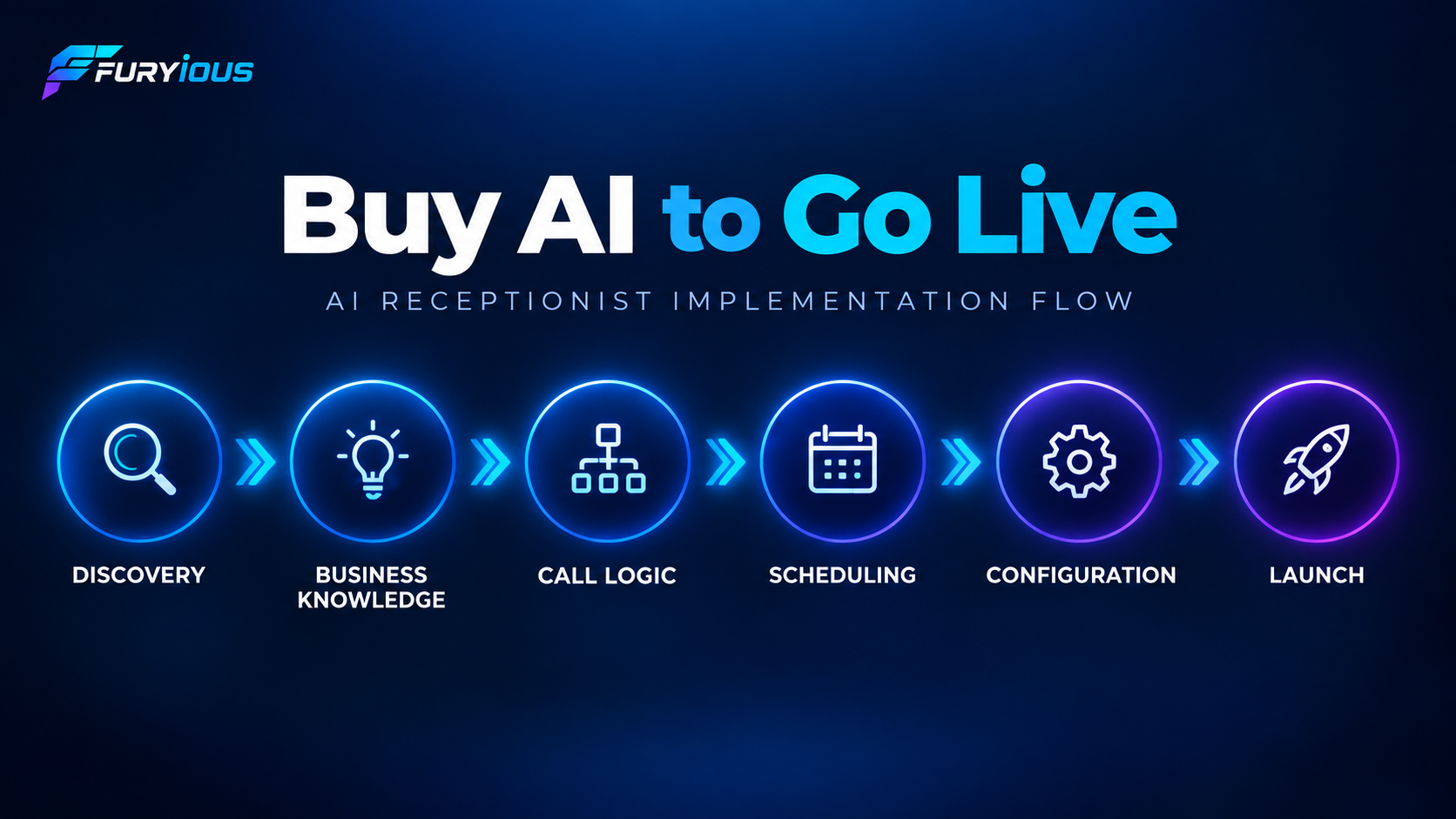
Buying AI software is not the same thing as having a production-ready phone system.
A real implementation may involve:
Discovery → Business Knowledge → Call Logic → Scheduling → Routing → Escalation → Integrations → Configuration → Testing → Launch
At Furyious, our deployment philosophy is:
Build once. Configure repeatedly. Test consistently.
That matters because an AI receptionist needs answers to practical questions before it should handle real calls.
For example:
Which calls should it answer?
What pricing can it discuss?
Can it book appointments?
Which calendar should it use?
When should it transfer?
What happens if nobody answers?
What should happen on an urgent call?
Which CRM or phone system is involved?
Those decisions directly affect what callers experience.
What Can Go Wrong?
Poor implementation can create problems such as:
calls routed to the wrong destination
incorrect appointment booking
outdated business information
weak escalation logic
workflows that were never properly tested
That does not mean a more expensive system is automatically better.
It means implementation quality deserves its own place in the buying decision.
Considering DIY vs Managed Voice AI?
If you're trying to determine whether your call flow is simple enough to manage internally—or whether scheduling, routing, and integrations justify a managed implementation—see how Furyious approaches Voice AI.
See How Furyious Voice AI Works
How to Compare AI Receptionist Quotes Fairly
Instead of comparing only the monthly fee, compare these seven categories:
Setup or implementation
Monthly service
Usage or call charges
Telephony
Integrations
Internal staff time
Ongoing support and optimization
Then ask:
Who owns this responsibility after launch?
That question often tells you more than the monthly price.
Two providers may both advertise appointment booking.
With one, you may be responsible for connecting the calendar, building the rules, testing conflicts, and maintaining the setup.
With another, that responsibility may be part of the service.
The feature looks the same.
The operating burden is not.
Is It Worth the Cost?
There is no honest universal ROI number.
A simple way to estimate value is:
Qualified calls currently missed or delayed
× realistic conversion rate
× average contribution value per customer
You can also estimate:
Repetitive phone-handling hours
× actual labor cost
Then compare those potential benefits against:
setup + monthly service + usage + internal management
Use conservative assumptions.
If you do not know your missed-call volume, customer value, or conversion rate, measure first instead of inventing favorable numbers.
Which Option Fits Your Business?
DIY May Make Sense If
your call flow is simple
scheduling is straightforward
integrations are minimal
someone internally understands the tools
you are willing to test and maintain the system
Managed AI May Make Sense If
phone calls have meaningful commercial value
several call types need different treatment
scheduling, transfers, or escalation matter
CRM, calendar, or phone integrations are involved
nobody internally wants to own implementation and maintenance
Human-First May Make Sense If
callers regularly need emotional reassurance
conversations are highly unpredictable
exceptions are common
human judgment is central to the customer experience
For many businesses, the answer may be a hybrid of AI and human coverage.
Seven Questions to Ask Before Choosing Any AI Receptionist
Whether you are considering Furyious or another provider, ask:
1. What Exactly Is Included in Setup?
Does the provider build the system, or do they simply give you access and documentation?
2. Who Builds and Tests the Call Flows?
Ask who owns routing, scheduling, transfers, fallback behavior, and test calls.
3. What Happens When the AI Doesn't Know the Answer?
Every system needs boundaries and an escalation strategy.
4. How Do Booking, Transfers, and Escalations Actually Work?
Ask which calendar is used, where calls transfer, and what happens when nobody answers.
5. Which Charges Are Separate?
Ask about usage, telephony, overages, integrations, setup, and support.
6. Who Maintains the System After Launch?
Business hours, services, prices, teams, and policies change.
Someone needs to own those updates.
7. What Can You Review After It Goes Live?
Look for visibility into things such as recordings, transcripts, bookings, transfers, and performance data.
Do not buy an AI receptionist you cannot evaluate after launch.
Where Furyious Fits
Furyious is not positioned as a low-cost self-service Voice AI subscription.
Our current standard Voice AI pricing is $3,000 for implementation and $750 per month, with larger or unusually complex implementations potentially requiring custom scope.
The service is designed for businesses that want someone else to own more of the implementation process rather than simply purchasing AI software and assembling the system internally.
Our internal deployment model separates:
MASTER STRUCTURE → CLIENT VARIABLES → QA / TESTING
so the reusable system stays consistent while the actual call flows, scheduling, routing, business knowledge, and integrations are configured around the client.
That managed approach costs more than self-service software because it is a different purchase.
For a business with a simple workflow and strong internal technical capability, it may be unnecessary.
For a business that wants the implementation burden shifted away from its team, it may be worth evaluating.
The Bottom Line
Do not compare AI receptionist prices until you know which responsibilities are included.
DIY can be the most economical choice when the business is comfortable owning setup and maintenance.
Managed AI costs more because more of the implementation and operating responsibility moves to the provider.
Human answering remains valuable where judgment and human interaction matter.
And for some businesses, a hybrid system may make the most sense.
The right question is not:
Which AI receptionist is cheapest?
It is:
Which combination of technology, implementation, responsibility, and human involvement makes sense for my business?
Want to See What Managed Voice AI Would Look Like for Your Business?
If you would rather have your call flows, scheduling, routing, escalation, testing, and implementation mapped around your business instead of assembling the system yourself, Furyious can help you evaluate the fit.
Learn More About Furyious Voice AI