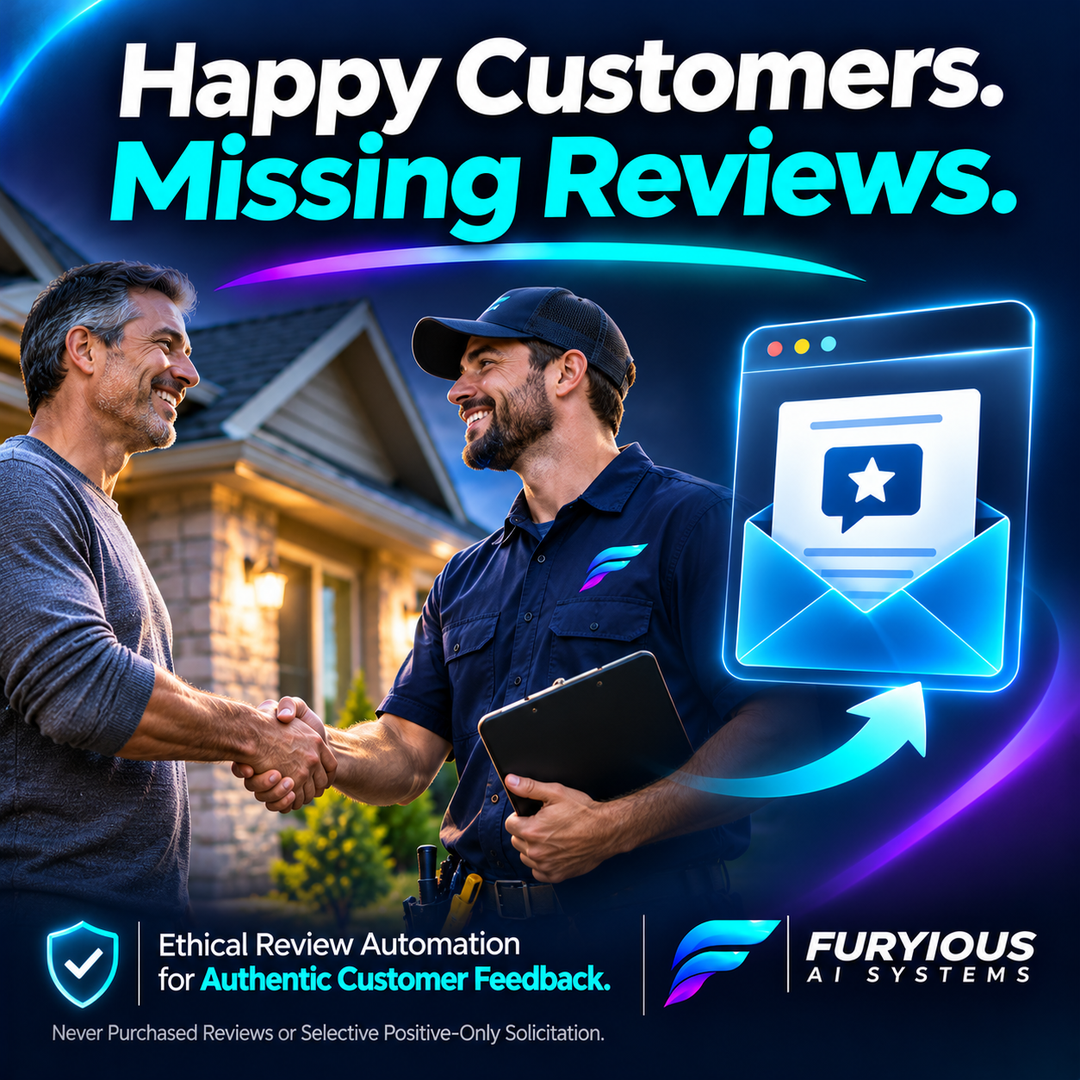
How to Ask Customers for Google Reviews Without Breaking Google's Rules
You've finished the job, the customer is pleased, and the invoice is paid. But a month later, your Google Business Profile still has almost no new feedback. For a local roofing, plumbing, HVAC or cleaning company, this is often a follow-up problem—not proof that customers don't value your work. The solution isn't to chase five-star ratings. It's to build an easy, respectful way for genuine customers to share their experiences.
Why happy customers often don't leave Google reviews
After a service appointment, customers move on with their day. Even a satisfied homeowner may not know where to leave a review or think to do it later. A review request can remove that friction by giving people one direct, convenient route to share their honest experience. Google says reviews appear alongside Business Profiles on Search and Maps and can help people evaluate businesses. Google's review guidance.
The most reliable operational improvement is to make review outreach a normal part of your completed-job process instead of something a technician remembers only occasionally. This can be done manually at first; automation is valuable when it reduces missed follow-ups without adding pressure or spam.
How to ask customers for Google reviews: a practical workflow
1. Start with the official review link
Open the business's verified Google Business Profile on a computer, select Read reviews, then Get more reviews. Google provides a shareable review link and a QR code. You can include that link in a thank-you email or print the code where appropriate. Google's instructions for review links and QR codes.
2. Define a legitimate completion trigger
Pick one event—such as a job marked complete in the CRM or an invoice marked paid—and have the office or workflow prepare a thank-you message. A plumbing company might trigger the message after a water-heater installation is completed; a cleaner might send it after the appointment is finished. Confirm the customer actually received the service and that the business has a suitable basis and permission to contact them.
3. Send a short, neutral request
Useful example: “Thanks for choosing us for your recent service. If you'd like to share your experience, here's our Google review link: [review link]. We appreciate honest feedback.”
Don't ask for five stars, script the customer's words, or imply that reviewing is required. Make the link easy to recognize and the message easy to ignore.
4. Give all eligible customers a fair opportunity
Google prohibits selectively soliciting positive reviews and discouraging negative ones. A compliant outreach process should not first ask “Were you satisfied?” and route only happy customers to Google while blocking unhappy customers. Google's fake-engagement and rating-manipulation rules.
Use eligibility criteria such as a genuine completed transaction, appropriate contact permissions and whether the customer was already invited—not their expected star rating. Customer-service issues can be addressed separately, without suppressing the person's ability to review.
5. Use a cautious follow-up, not a barrage
If the customer doesn't respond, consider whether a single polite reminder is appropriate under your contact permissions and applicable email rules. Avoid repeated requests, requests at awkward hours or pressure to review on the premises. People must be free to choose whether to leave any review.
6. Respond to reviews as part of reputation management
Thank customers for sharing specific experiences when appropriate. For criticism, acknowledge the issue and offer a private path to resolve it without exposing sensitive details. Do not offer compensation in return for removing or changing a review. Google provides tools to read and reply to reviews directly from the profile. Google's review-management guide.
What to automate—and what to keep human
A modest system can store the job-completion date, an eligible contact record, a send timestamp and whether a reminder is permitted. It can send a neutral email with the official Google link, prevent duplicate invitations, and stop further outreach if the customer opts out. None of that requires manipulating ratings.
Keep humans involved in handling sensitive complaints, disputed work, privacy concerns and unusual circumstances. Automation can make the process consistent; it cannot guarantee a particular review count, rating or Google Maps position.
Examples for local service businesses
Roofing: After a repair or replacement is finished and the customer has been informed the job is complete, send a thank-you email with the review link.
HVAC: At the close of a completed maintenance visit, invite the customer to share an honest account of the appointment.
Plumbing: After an emergency repair, avoid messaging during the crisis; use the normal post-service follow-up instead.
House cleaning: Build a deduplication rule so recurring customers aren't asked after every visit.
What about customers from the past six to twelve months?
A past-customer invitation can be sensible when the relationship is genuine, the service took place, records are accurate and outreach is permitted. But older lists require more care. Review consent and contact quality, suppress people who opted out, remove invalid addresses, and avoid a sudden high-volume send that could damage deliverability. The goal is to invite authentic feedback, not manufacture a spike in ratings.
If you want help, our Never-Miss-a-Job System sends a review request to every customer after the job, with no filtering, and manages your Business Profile alongside it. See how it works.
Frequently asked questions
Can I offer a discount for a Google review?
No. Google prohibits financial or in-kind incentives for reviews, changes to reviews, or removal of negative reviews. Invite genuine, unbiased feedback without rewards. Google review policy.
Can I send a direct Google review link by email?
Yes. Google explicitly supports sharing review links in thank-you emails, provided the outreach is genuine and policy-compliant. Follow applicable consent and email requirements. Google link instructions.
Should I ask only satisfied customers?
No. Google prohibits selective solicitation of positive reviews. Neutral requests should be offered based on genuine customer eligibility, not whether the business predicts a high rating.
Will automated review requests guarantee better Google Maps rankings?
No. Reviews may support a more informative and trustworthy public profile, but a request campaign does not guarantee a particular rating, review volume or search position.
Do I need SMS to start a review campaign?
No. A simple email-based workflow can be a sensible starting point when permission, deliverability and list quality are addressed. Text messaging involves separate consent and operational considerations.
The practical takeaway
Start with one simple process: completed job, eligible customer, respectful request, direct Google review link, and thoughtful response management. Measure invitations sent and any resulting reviews without treating either as a guaranteed outcome. Above all, protect the credibility of the feedback customers choose to share.